
QUEUEDROP FOR CUSTOMERS
Wait for your turn anywhere but the waiting room.
Scan the code at the counter and you have a place in line and a live estimate on your own phone. Then go do something else until it’s nearly your turn.
- Free, always
- No app to download
- No sign-up required
- Phone always optional
Northside Barbers~30 minlive wait
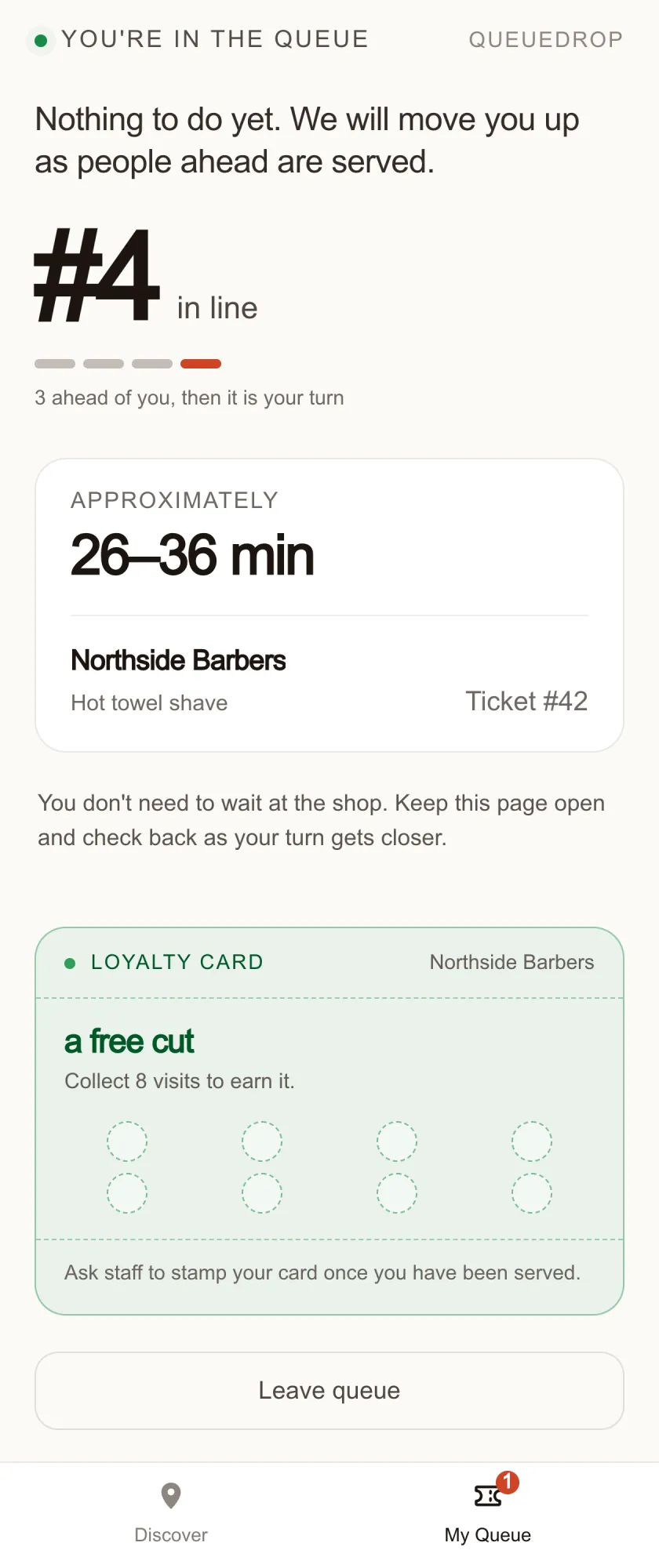
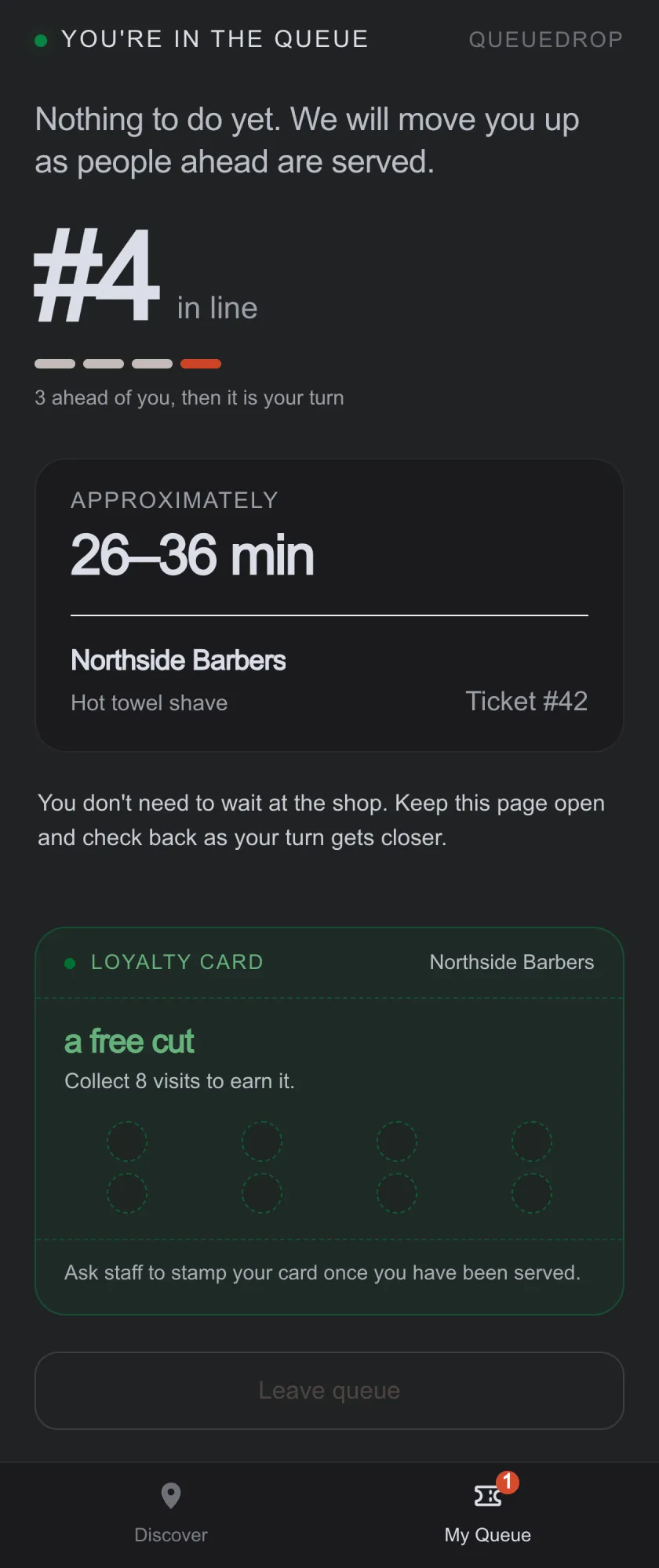
Step away. Your phone tells you when to head back.
Your time is yours.
27-second overviewRead video summary
Scan the code to join a queue from your phone. Your ticket shows your position and an estimated wait. Keep an eye on the ticket as your turn gets closer, and head back when you are called.
THE OLD WAY
Every queue asks you for the same thing: sit here and don't move.
You can't plan around a wait nobody will put a number on, so you give up the hour whether the wait needs it or not. That is the part QueueDrop removes.
01
You wait in the room
Twenty minutes in a plastic chair because nobody can tell you whether it's twenty minutes or an hour.
02
You carry the buzzer
A pager keeps you inside the shop, so you wait where you were told to rather than where you'd rather be.
03
You hand over your number to get in
A text-message queue makes the number the price of admission, and keeps it once you've gone. Here it's optional, and it belongs to that one visit.
HOW IT WORKS
Four steps, and you never leave your browser.
From scanning the code to walking back in, this is the whole of it.
01
Scan and join
Point your camera at the QR code on the counter, pick what you're in for, and you're in line. It opens in your browser.
02
Watch the wait
Your position and a live estimate update by themselves as the shop works through the queue. No refreshing, no asking.
03
Go somewhere better
Get a coffee, run the errand, sit in the car. Your place in line holds while you're gone.
04
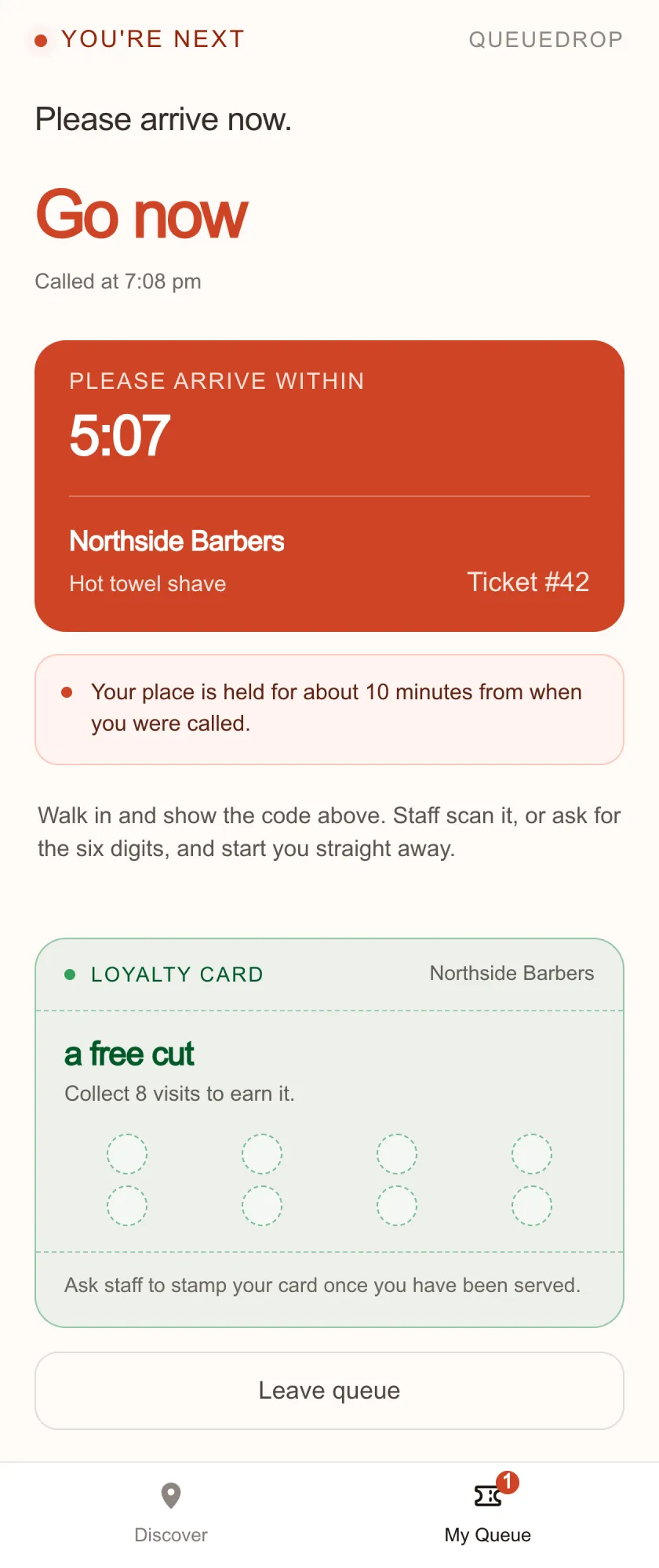
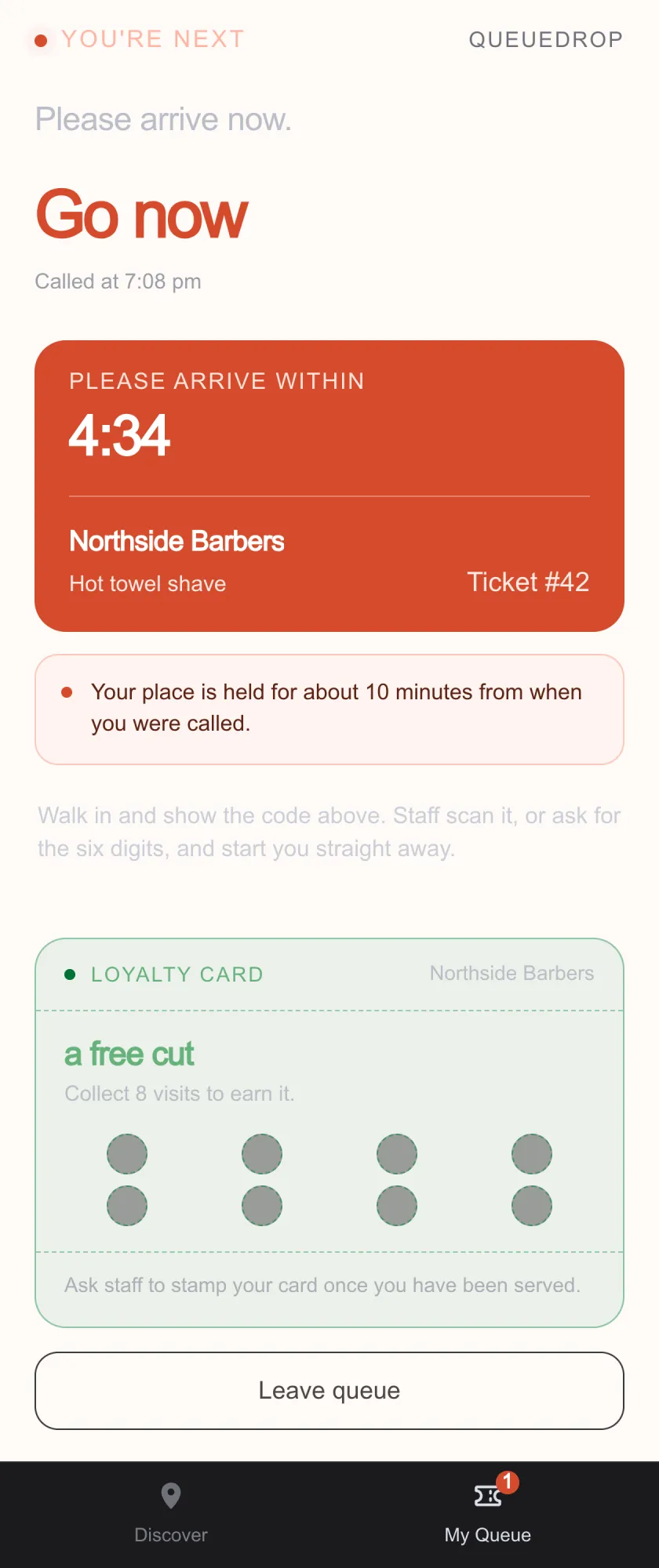
Head back when called
The page tells you when you're up, and we'll text you too if you left a mobile. Walk in, tell the counter you're there, and you're next.
WHAT IT COSTS YOU
Nothing, which is the point.
Queue apps normally trade your place in line for something. This one doesn't ask.
NOTHING TO INSTALL
It's a web page
No app store, no download, no update to sit through. The link works on whatever phone you already have.
NOTHING TO SIGN UP FOR
No sign-up required
You don't need a password, email address or mobile number to join. You can leave a mobile if you want a text when your turn is near, and after a completed visit you can optionally verify one for loyalty features. Both are your choice.
NOTHING TO PAY
Free for you
Businesses run QueueDrop. Joining a queue never costs you anything and there is nowhere to enter a card.
BEFORE YOU JOIN
The things people ask at the counter.
- Do you need my phone number?
- Never to join a queue. You can choose to leave one for a single “you’re nearly up” text, and that number is used for that visit and nothing else — the business never sees it. A completed ticket may also offer optional mobile verification for loyalty. Ordinary queueing only asks for the display name staff see.
- Will my phone alert me when it is my turn?
- It can, if you leave a mobile when you join — we text you once when your turn is close. Without one, keep or revisit your ticket to follow live updates. Either way, allow enough time to return within the business's grace period.
- What if I close the tab?
- Open the link again and your ticket is still there. It's held in your own browser, so keep the tab or bookmark the page and you're fine.
- What if I'm not back in time?
- Most shops give you about ten minutes of grace after you're called. If you're running late, tell the counter and staff can hold your place or move you down the line rather than dropping you.
- Can I join before I get there?
- If the business allows remote joining, yes: open their link from home and set off when the estimate says to. Otherwise you scan the code at the counter.
START HERE