
Nobody should walk out because you couldn’t tell them the wait.
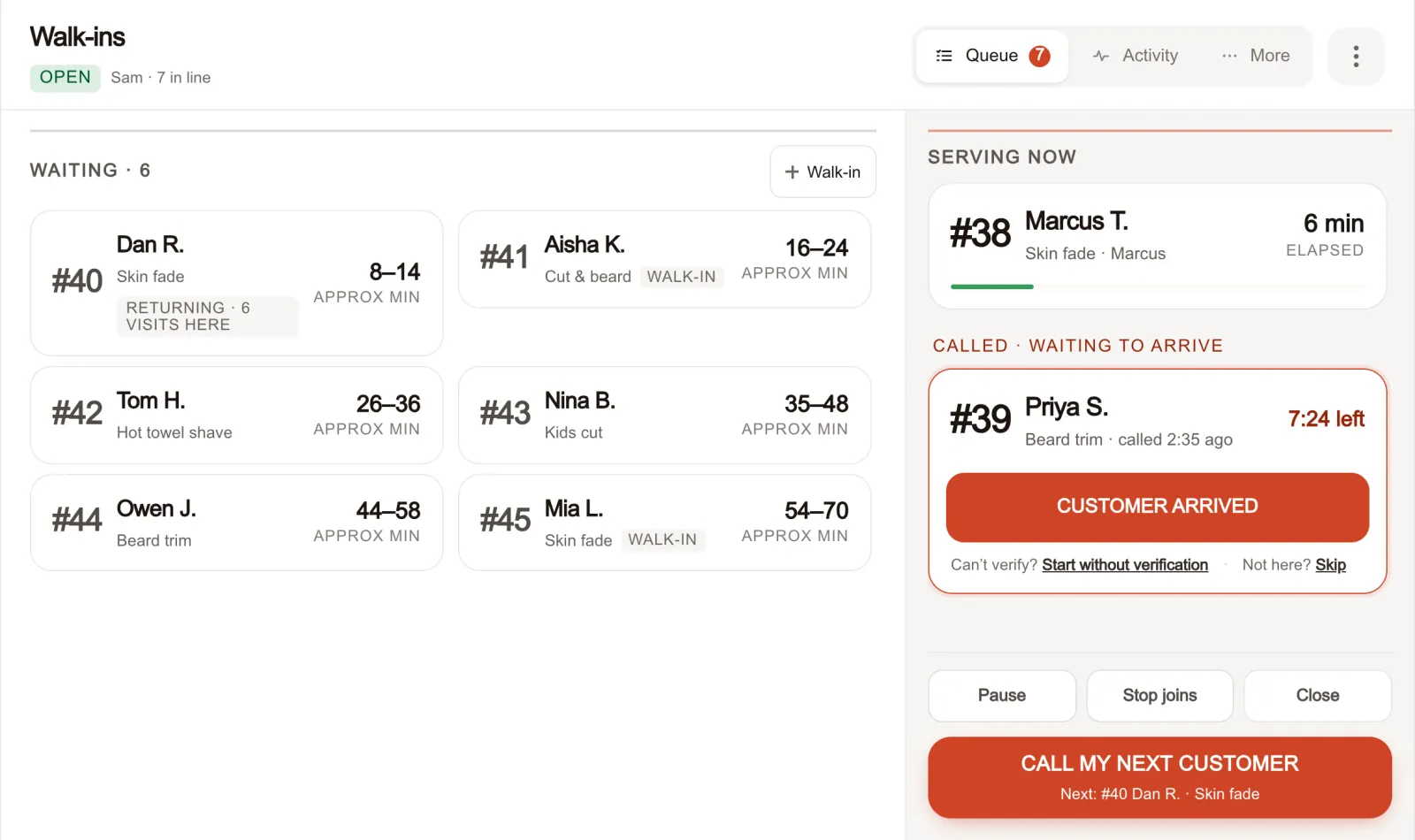
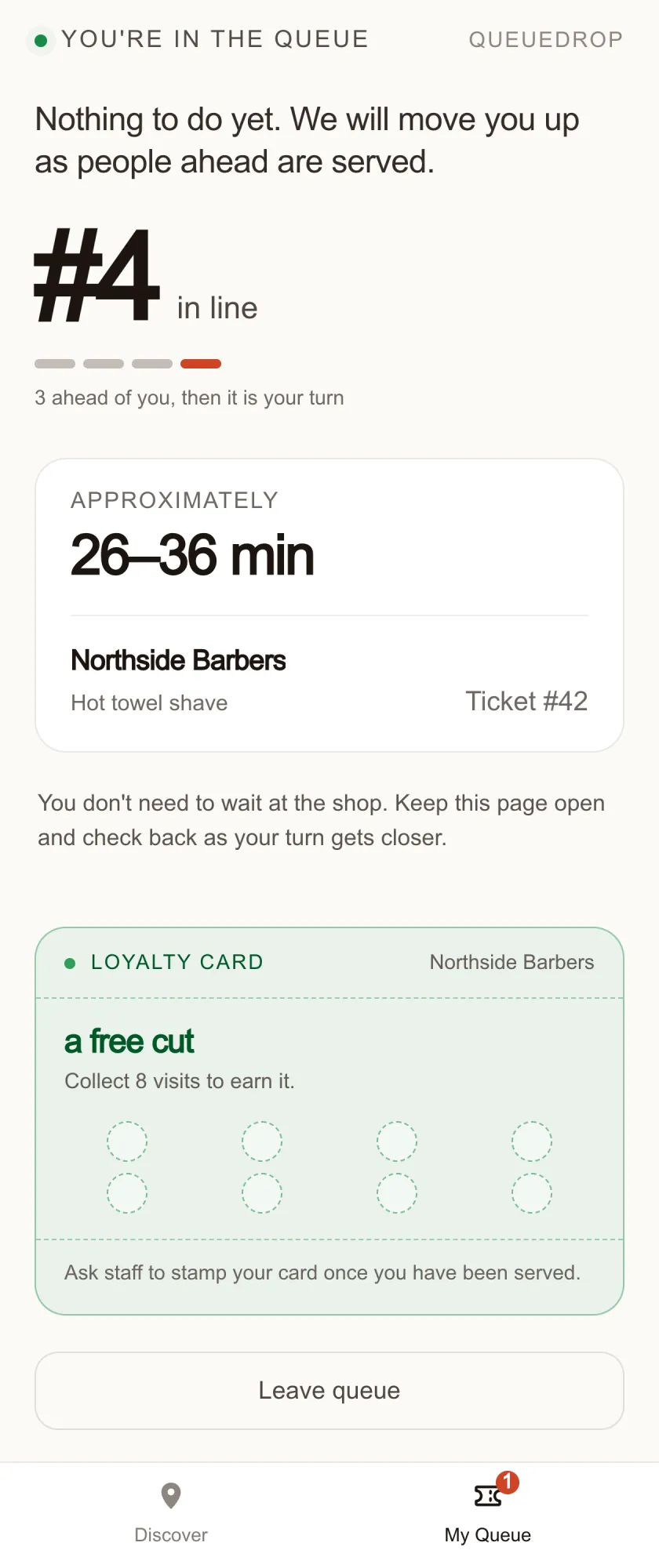
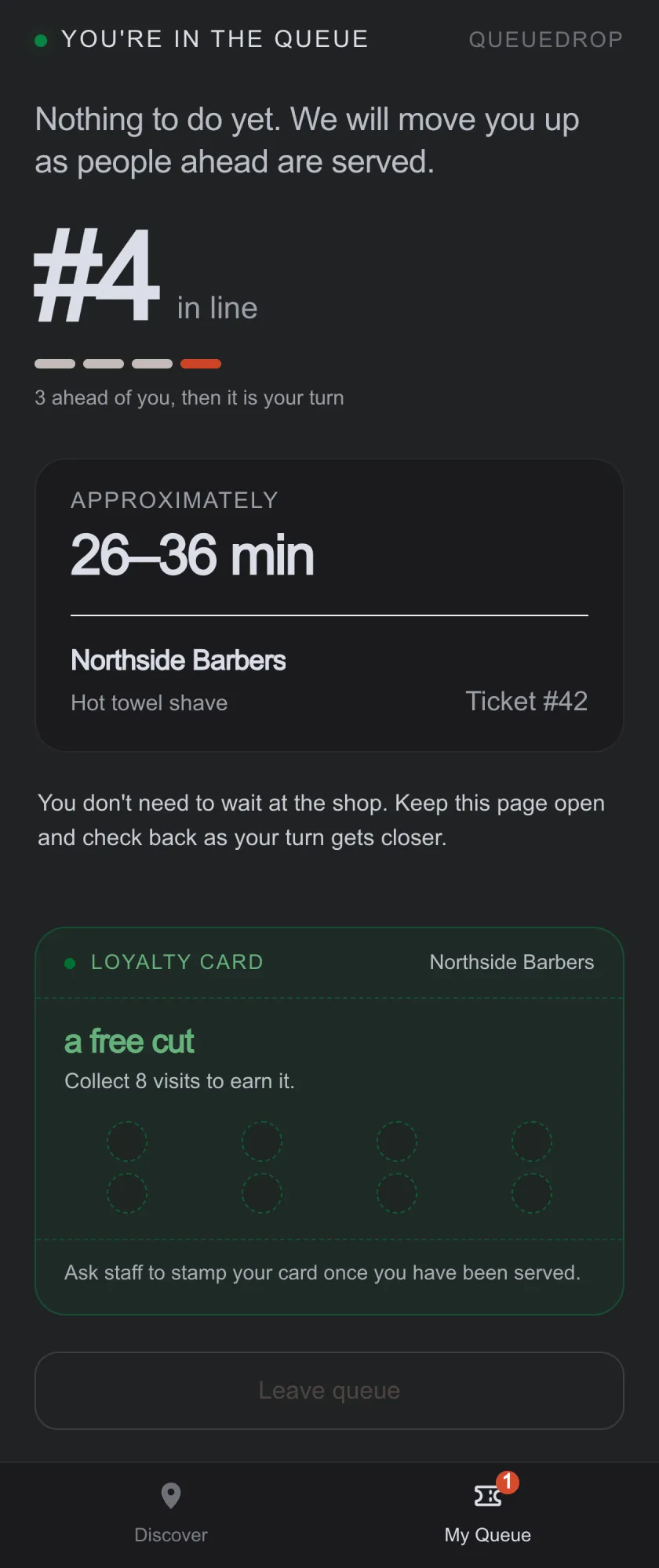
Walk-ins take a place in line from their own phone, watch a live estimate, and step away until it’s nearly their turn. Your staff run the whole queue from one screen.
- Free for approved pilot businesses
- Setup help available
- No card required
- No hardware to buy
A clearer day at the counter.
33-second overviewRead video summary
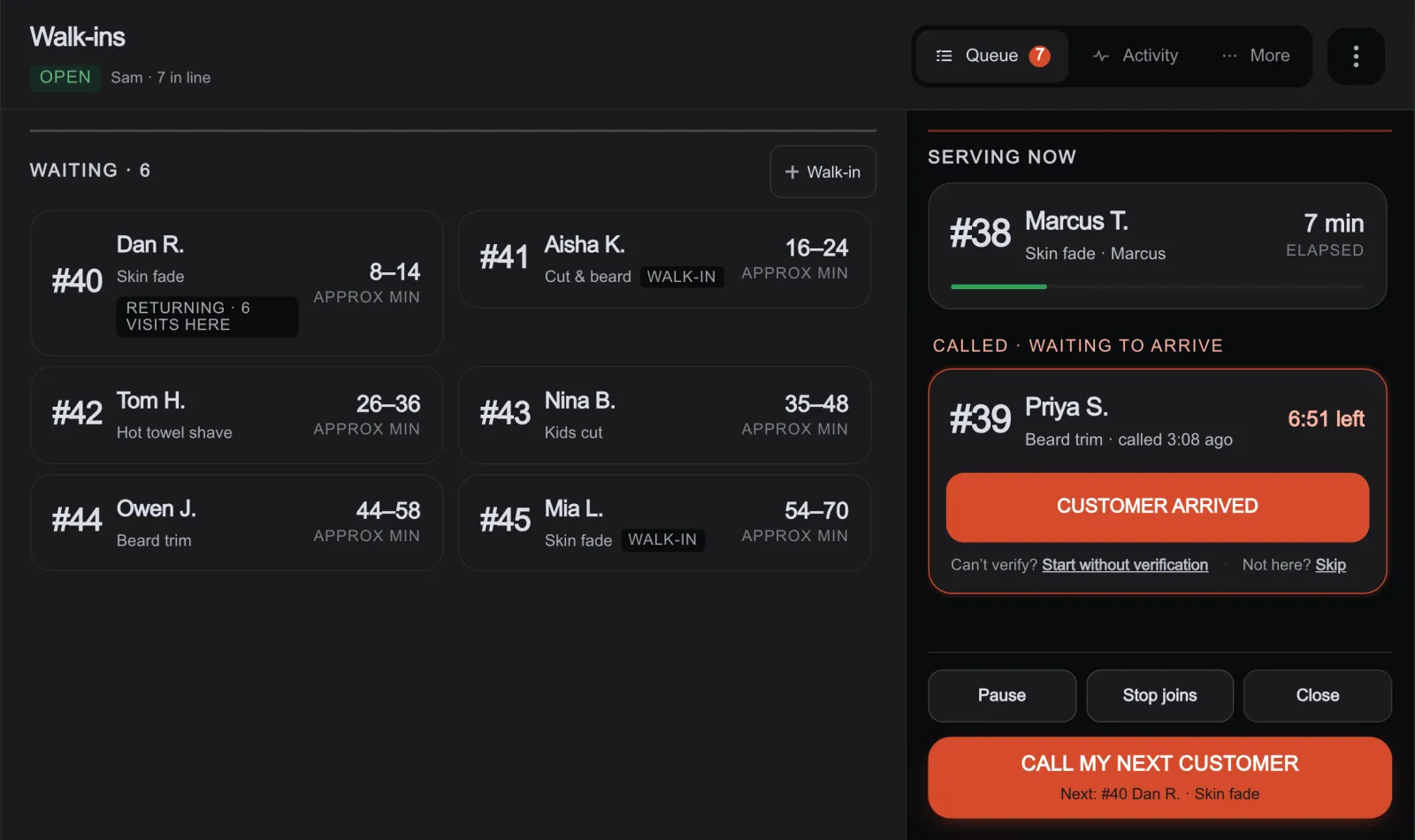
Customers scan to join, and your team sees who is waiting in one live queue. Call the next customer and check them in when they arrive. The business overview shows your queue, staff, and the day's numbers.
A queue nobody can see costs you customers you never counted.
The walk-out, the interruption and the buzzer drawer are all the same problem wearing different clothes: the wait is invisible to everyone standing in it.
Nobody has to choose between standing there and giving up.
What a walk-in actually does, from the counter to the chair.
One queue, and one straight answer about the wait.
Your own portal for the shop, the staff and the queue.
Configure it once, then run every day from whatever screen is already at your counter.
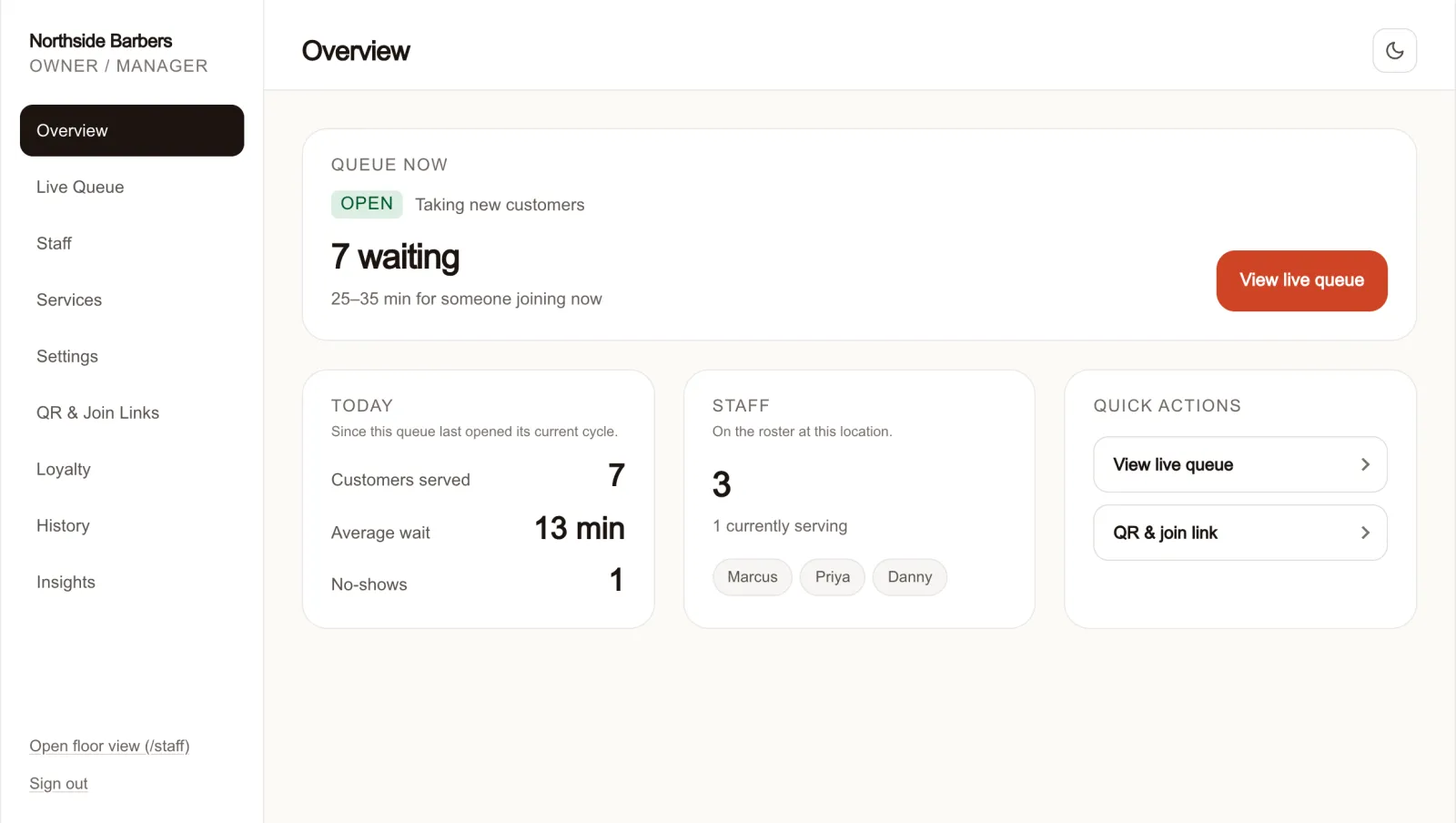
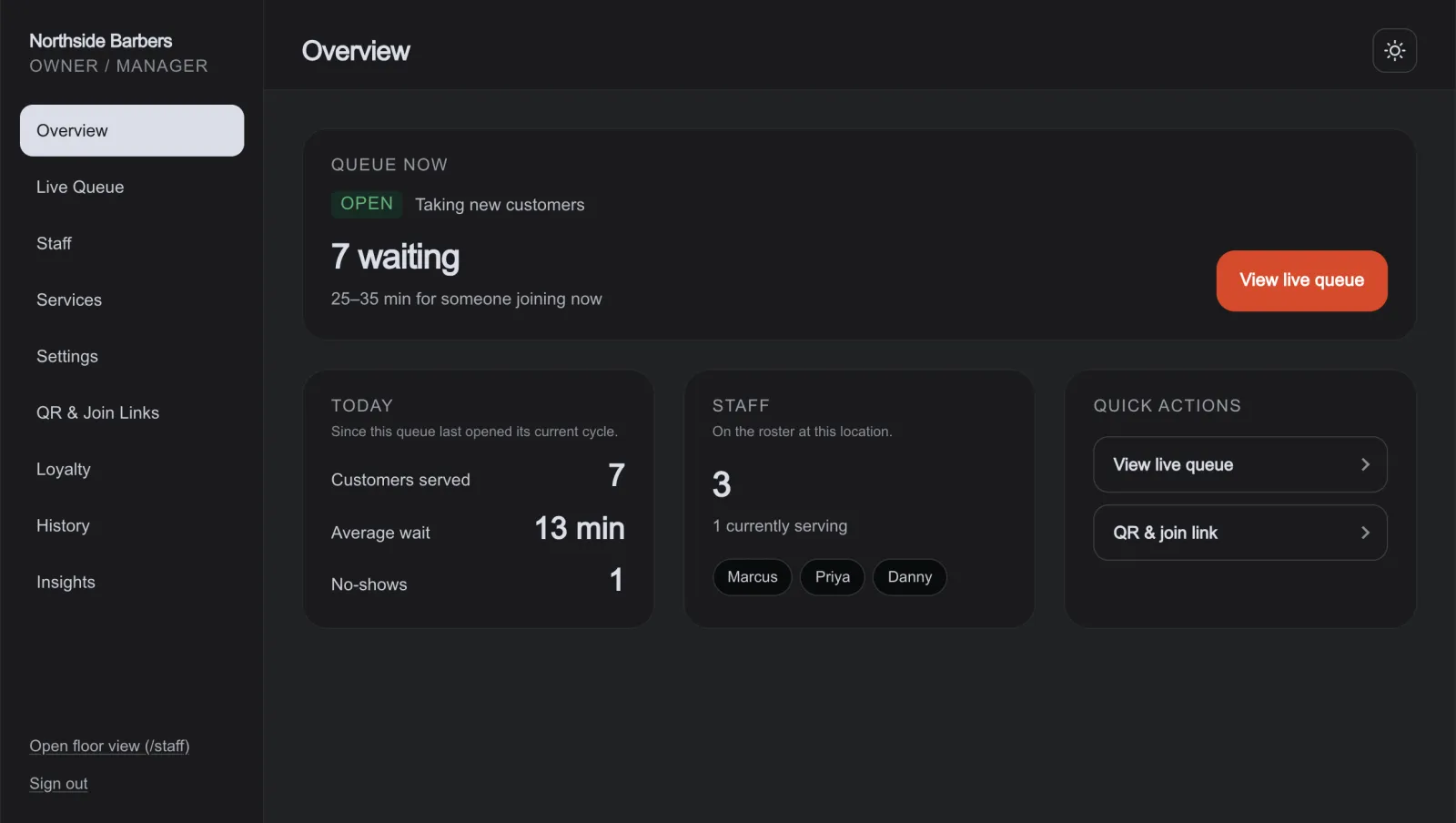
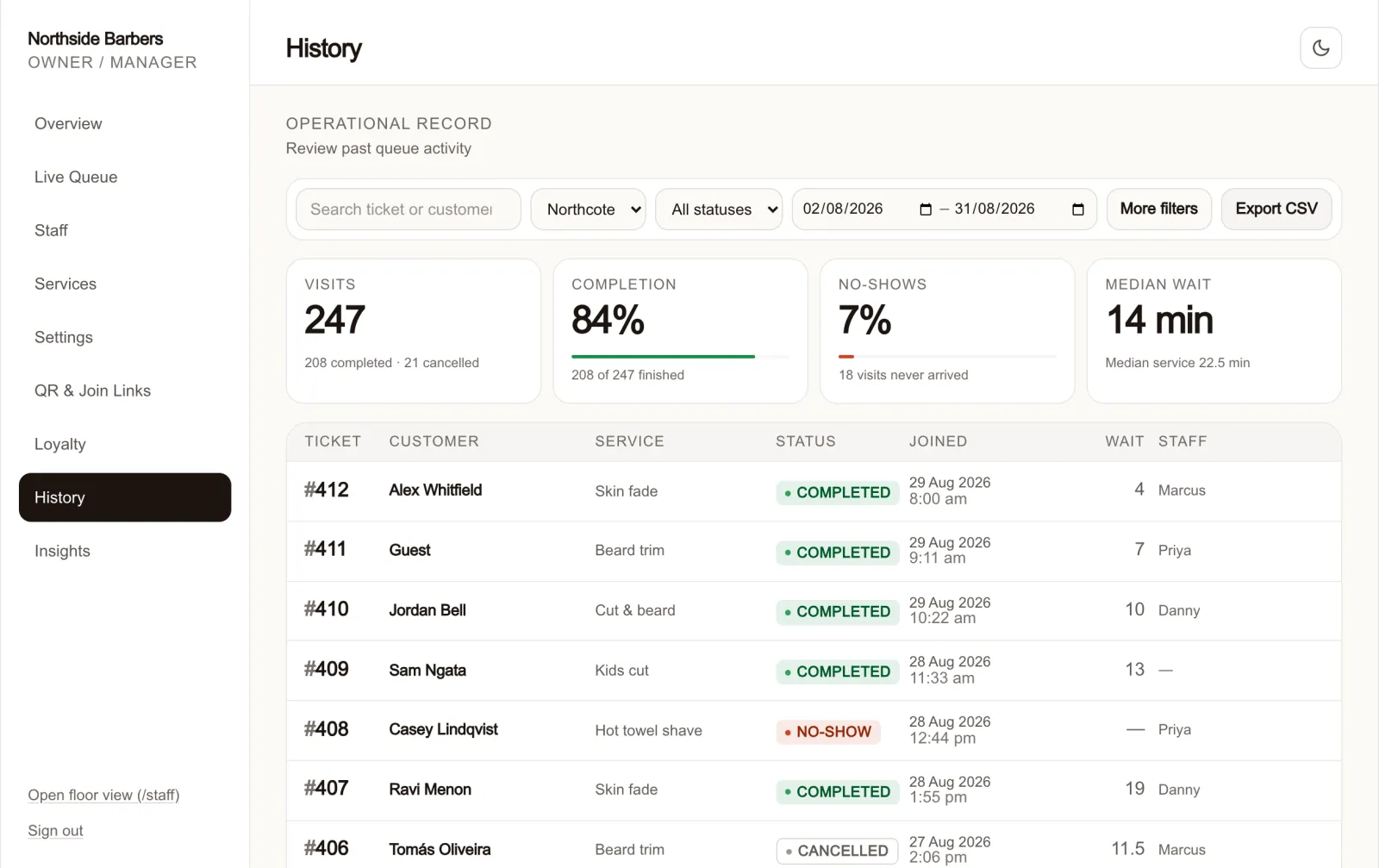
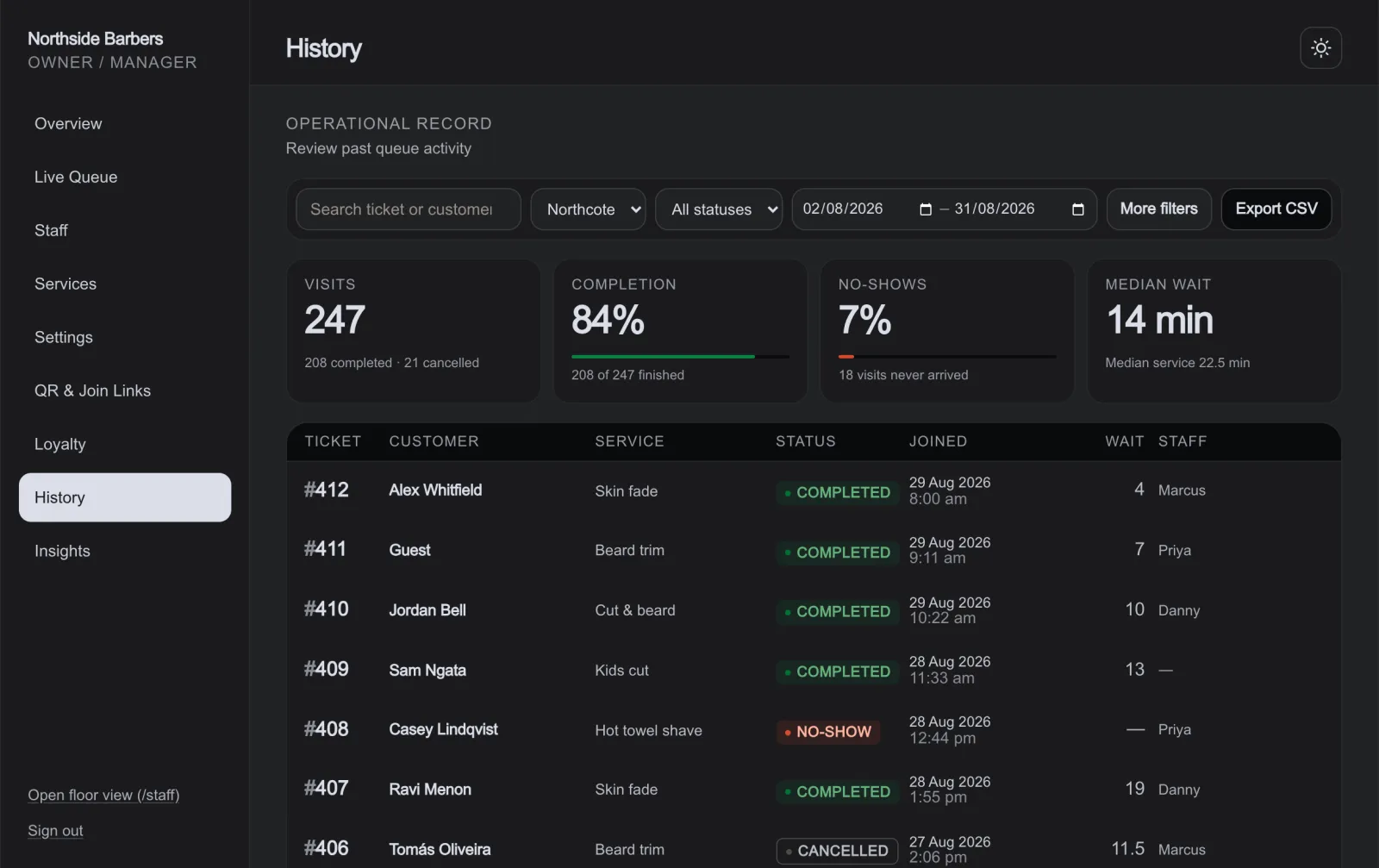
Three roles, so the counter staff never see the billing.
Everyone signs in to the same portal; what they can reach depends on their role.
Built for counters people walk up to.
If your customers arrive without an appointment and wait their turn, QueueDrop fits the way you already work.
Your numbers mean more next to everybody else's.
Knowing your average wait is 14 minutes tells you something. Knowing the shops around you average 9 tells you what to do about it. Market Insights is that second number, and nobody's individual figures are ever part of it.
You see the median for your category and area, never another business's figures, never a name, never a ranking. Not even a shop you could work out by elimination.
A benchmark appears only once at least ten independent businesses and a hundred qualifying visits are in it, and never when one of them is more than a fifth of the data.
Businesses are grouped into areas about 11 km across. QueueDrop compares you with your local market without publishing where anybody is.
This is the one part of QueueDrop that needs other businesses. Early pilot shops build the market their own benchmark will eventually be measured against.
Market Insights is expected to be part of a later paid plan; your own queue and your own numbers are not. No price has been set, nothing is for sale today, and the comparison stays switched off in your account until the market around you is large enough to be anonymous. Owners can register interest from inside the portal, which records what the feature is worth to you and charges nothing.
Free for the pilot. No automatic billing.
Approved pilot businesses get the complete queue product without entering a card. Any paid offer comes later and only after you have seen and agreed to it.
- Unlimited queues, customers, staff and services
- A hand with setup while you get going
- Your listing on Discover after approval
- Market Insights: your numbers against an anonymised local benchmark
- No automatic conversion to a paid plan
- No charge without explicit agreement
Your customers never pay anything to join or use the queue. QueueDrop is in pilot, so a future business price has not been set. Pilot businesses are never enrolled or billed automatically.
The questions owners ask first.
- Do you offer setup help?
- Yes. QueueDrop is free for approved pilot businesses, and we can help set it up and walk your team through the details.
- What do my customers have to install?
- Nothing. Scanning the code opens a web page in whatever browser their phone already has. No account or phone number is required to join. A customer may optionally leave a mobile for a turn reminder, and can optionally verify a mobile number for loyalty features — neither is required and neither is visible to your staff.
- What hardware do I need?
- A printed QR code and any device with a browser: the tablet, phone or PC already at your counter. Staff sign in to the queue there.
- What happens when somebody doesn't come back?
- Called customers get an arrival grace window of about ten minutes. When it runs out the entry is flagged so your staff can check them in anyway, park them, or mark them a no-show and move on.
- How accurate are the wait estimates?
- They start from the durations you configure. Once a service has twenty completed jobs on record, QueueDrop switches to the median it measured for that service, and for that member of staff where it has enough of their own.
- What does it cost?
- Nothing during the approved pilot. There is no automatic conversion to a paid plan; you will see and agree to any future price before a charge can begin.
- What will the paid plan include?
- Market Insights: your own wait, service time and no-show rate next to an anonymised benchmark for your category and area. Your queue, your staff, your customers and your own numbers stay free. No price has been set and nothing is for sale yet; you can register interest from inside the portal without entering a card.
- Do I have to be listed publicly?
- No. Your listing stays private until you finish setup and QueueDrop approves it for Discover. You can run the whole queue from a direct join link before that.
The next time someone asks “How long?”,
give them a better answer.
- Free for approved pilot businesses
- Setup help available
- No automatic billing